Analyze Clients with Mindreader’s AI Tools
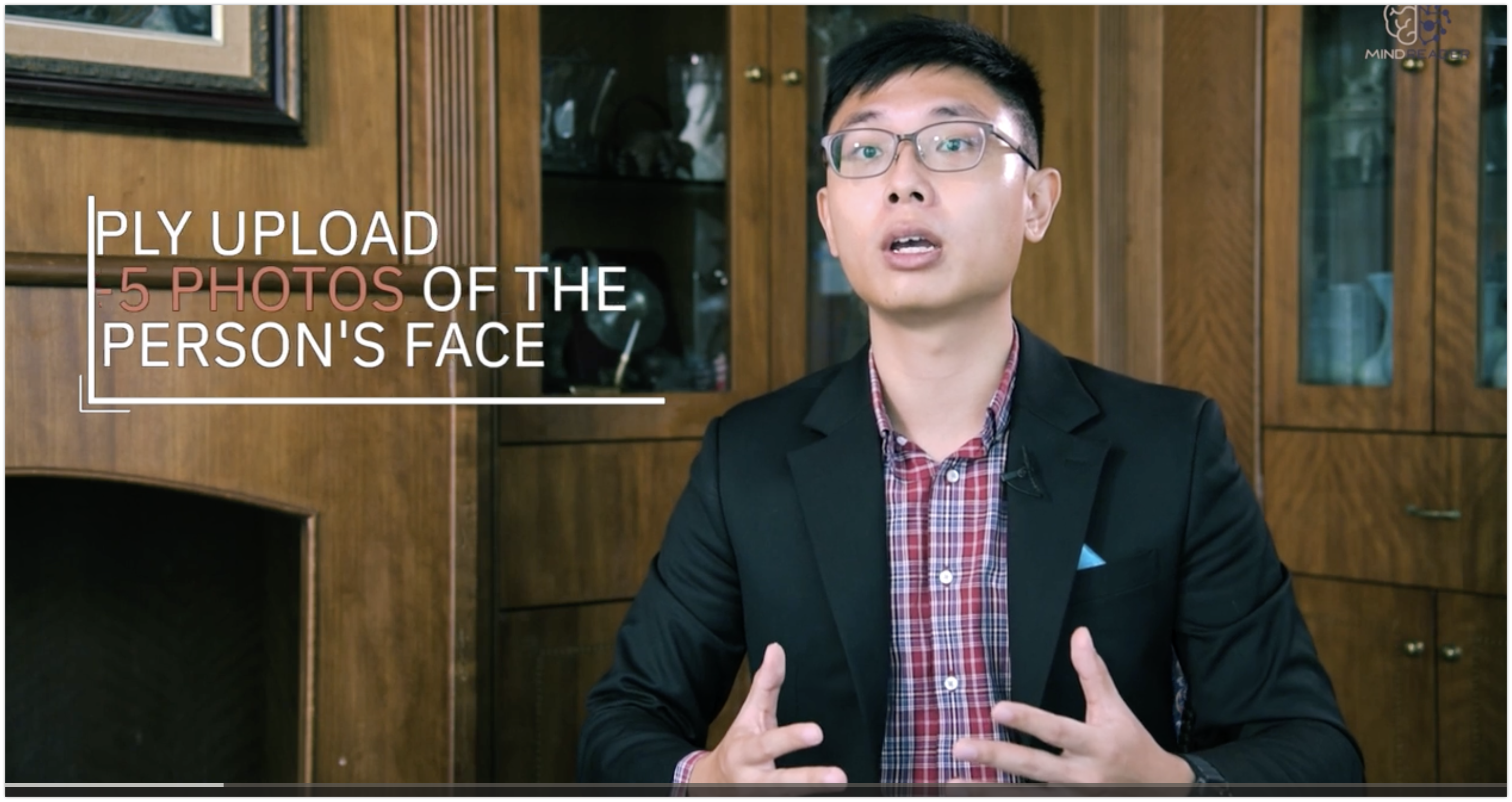
Analyzing a client in Mindreader takes less than a minute: upload one to five photos of the person's face, and our AI generates psychometric predictions and sales insights you can act on immediately. This guide walks through the full process — how to choose photos that produce the most accurate analysis, what the results mean, and how to turn them into a better first conversation.
Step 1: Gather the Right Photos
The photos of your client can be sourced from their recent social media profile pictures — LinkedIn, WhatsApp, or Telegram are the most common sources. We recommend including a minimum of three photos per individual: more data means less uncertainty in the prediction.
For each photo, follow this checklist:
- One face per photo. Crop group shots so only your client's face remains.
- Front-facing, straight angle. Aim for the framing of a passport or identity document photo.
- Both ears visible where possible (unless obscured by long hair) — a good rule of thumb that the angle is right.
- No obstructions. Avoid sunglasses, face masks, or heavy filters. Our AI relies on detecting key facial landmarks — the eyes, nose, and lips — and anything covering them reduces accuracy.
- Recent and clear. A sharp, well-lit photo from this year beats a blurry one from five years ago.
Step 2: Upload and Run the Analysis
In Mindreader, open the client analysis feature, upload your one to five photos, and start the analysis. The AI examines the facial landmarks and returns psychometric predictions along with sales insights tuned to that personality profile — typically in under a minute.
Step 3: Read the Results
The analysis gives you a practical picture of how this client likely prefers to communicate and decide:
- Personality profile — the client's predicted type and temperament, in plain language.
- Communication do's and don'ts — how to open, how much detail to give, what tone builds trust with this profile and what breaks it.
- Sales insights — what motivates this buyer, what objections to expect, and which closing style fits.
No Good Photo? Use Text or a Quiz Instead
Facial analysis is only one of Mindreader's inputs. If you can't find a suitable photo, you can analyze a client from text — paste their emails, messages, or LinkedIn bio and the AI reads personality from language patterns. You can also send the client a short quiz, which produces the most direct signal of all. Combining two or more methods gives the most reliable profile.
Turning the Analysis Into a Better Conversation
Before your next meeting, take two minutes with the results: note the recommended opening style, pick the one motivator to lead with, and prepare for the flagged objections. During the conversation, treat the profile as a strong starting hypothesis — if the client's behavior contradicts it, follow the person, not the report. Small adjustments made early, when first impressions form, are where personality insights pay off most.
Frequently Asked Questions
How many photos should I upload?
Between one and five; we recommend at least three. Each additional clear photo reduces uncertainty in the prediction.
What if the only photos available are group shots or angled?
Crop to a single face and choose the most front-facing option available. If nothing suitable exists, use text analysis or a quiz instead — accuracy matters more than the method.
Can I analyze someone before I've ever spoken to them?
Yes — that is the core use case. A public profile photo and bio are enough to walk into a first meeting with a tailored approach instead of a generic pitch.